Guide: Developing on ChromeOS (Part 6)
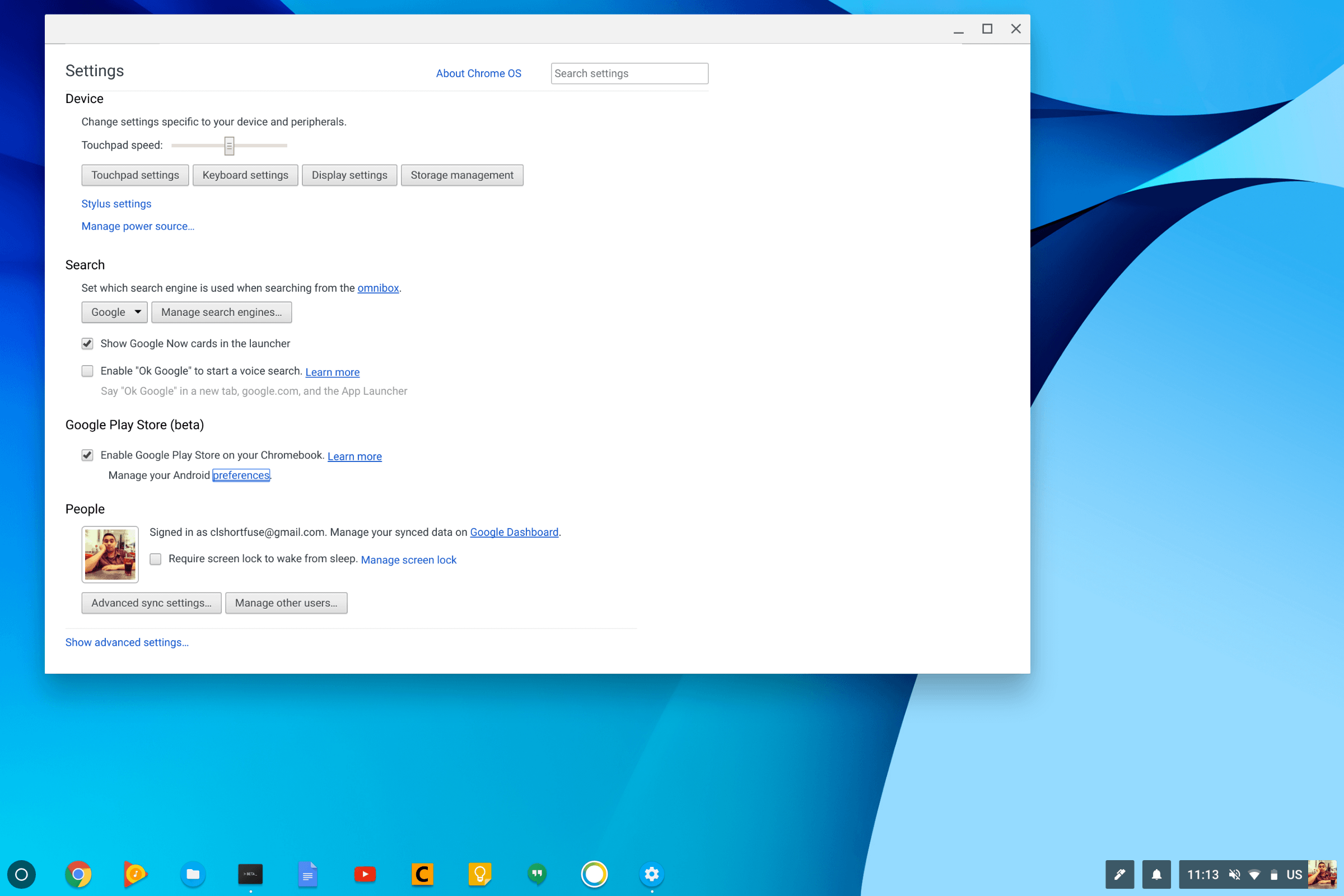
Debugging with Android Runtime for Chrome
Debugging with Android Runtime for Chrome
Android Development with React Native
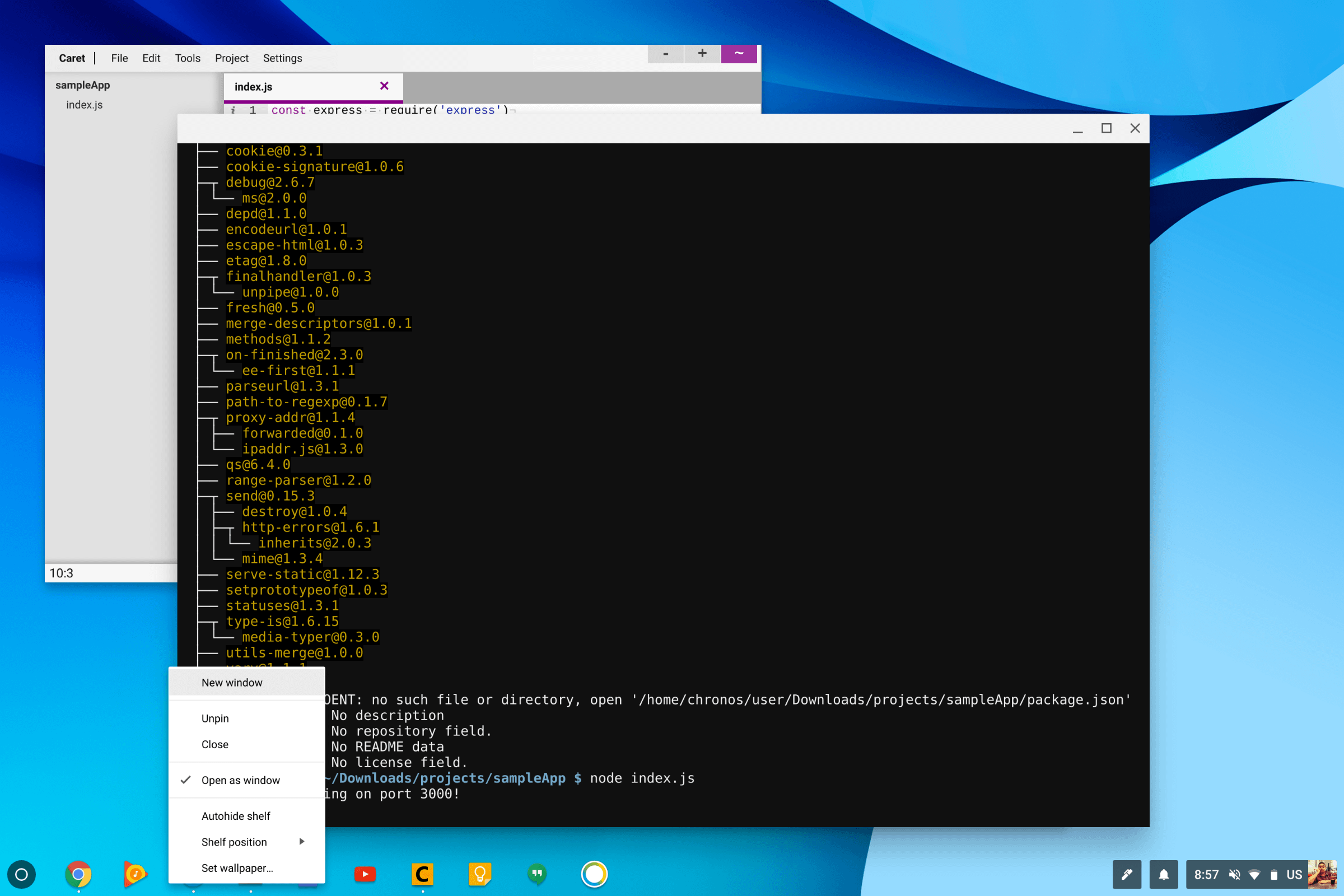
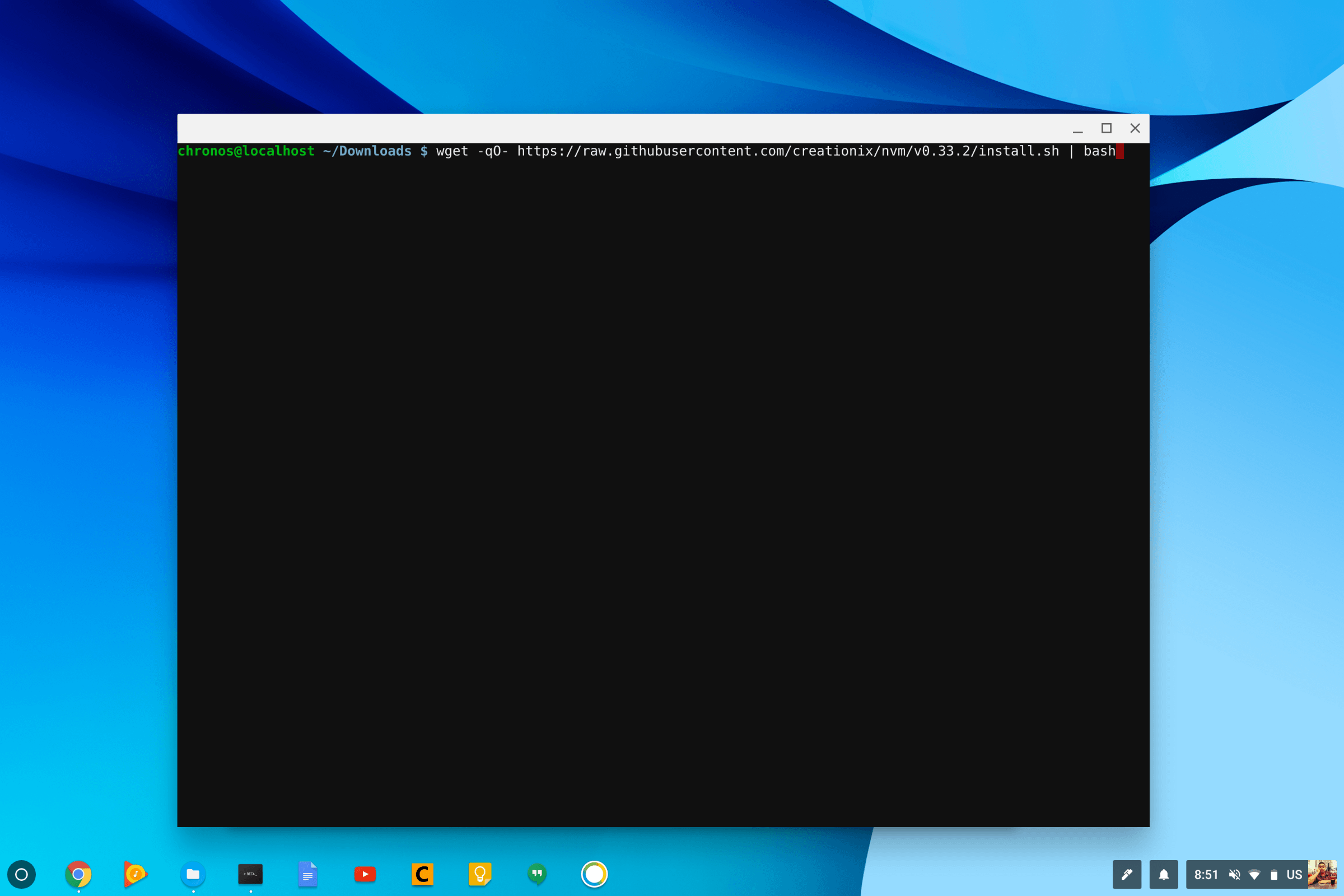
Installing nodeJS with nvm Creating a nodeJS project
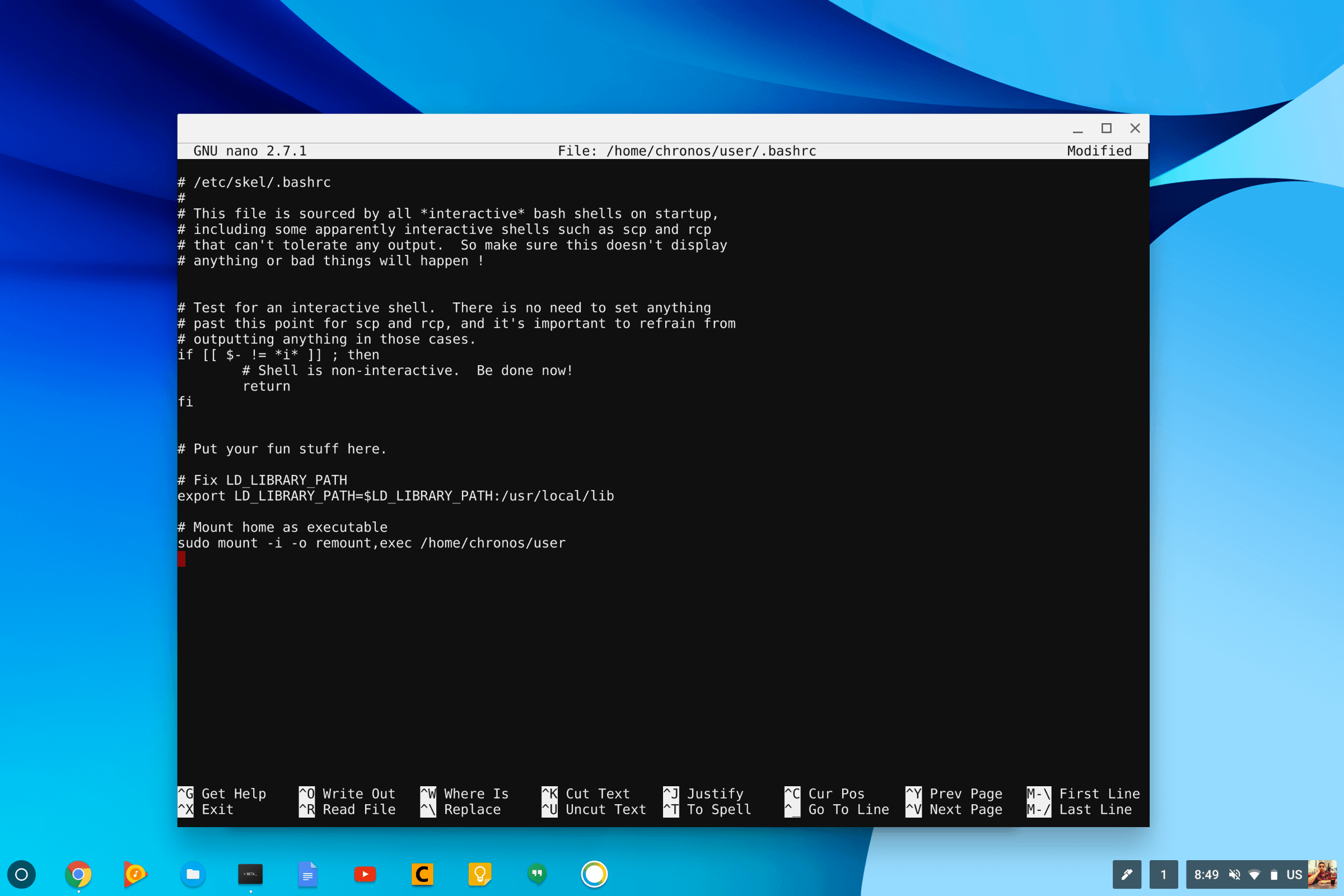
Setting up shell startup scripts
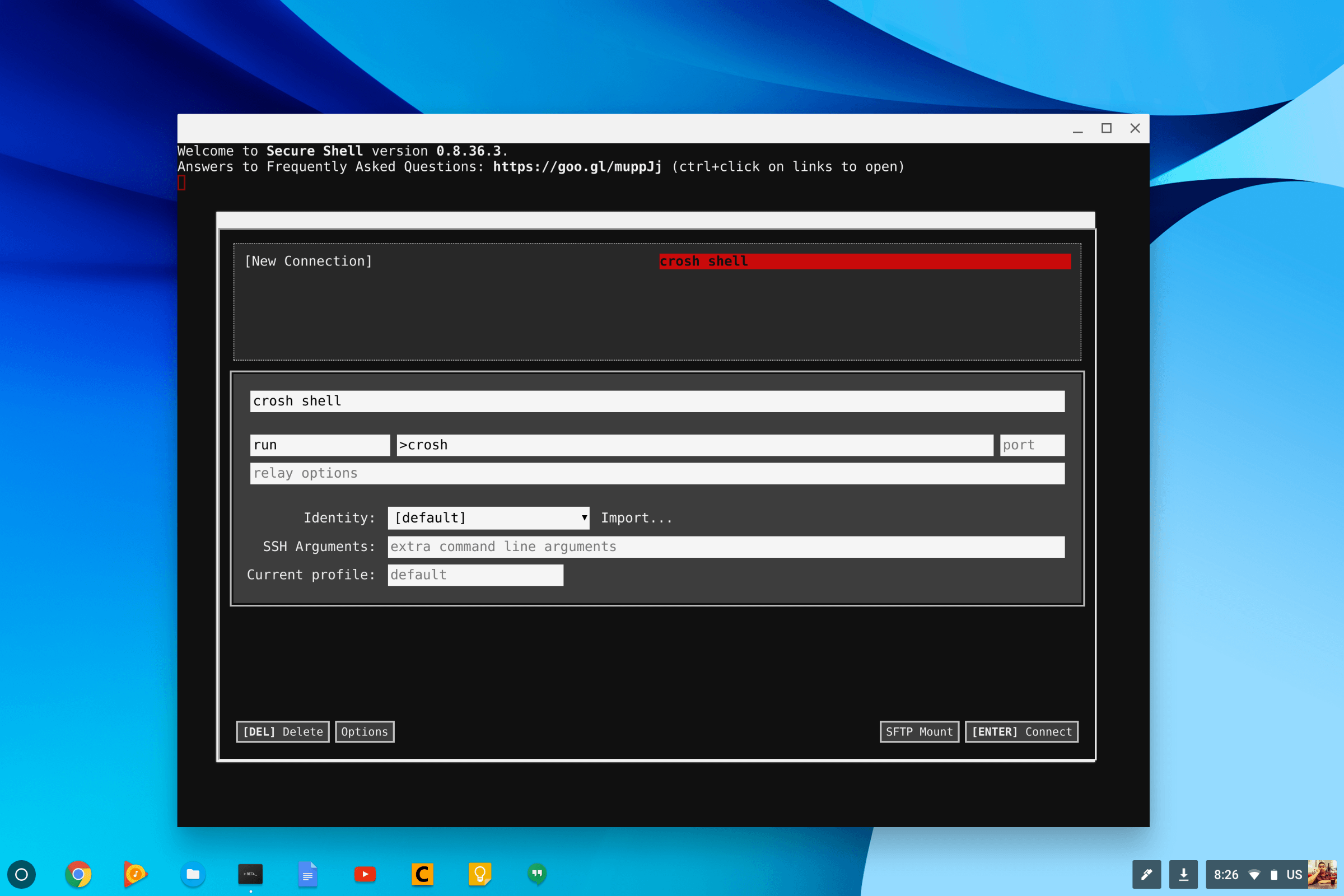
Setting up a shell environment
Enabling Developer Mode
Google has made their slide out drawer available to the public . I’m wondering what you would like to see in this menu. Since I’m working on Google Hangouts incorporation I’m thinking of a drop down list of services to pick status/availability/sign-in/sign-out. Also, I think some quick options should be available like Auto-Open QuickReply. From here you would be able to see and create scheduled messages. Let me know what else you would like to see.
I made a new change for build 48 of Fusion to show the date portion based on time. The difficulty is making it all work with all the different time zones and locales. 24 hours isn’t always a day because of daylight savings time. So I have to use Calendar. Here’s the static code: public static String stripFieldFromPattern(SimpleDateFormat sdf, Date d, DateFormat.Field field) { StringBuilder b = new StringBuilder(); boolean isLastCharValid = true; boolean isNextCharValid = false; AttributedCharacterIterator i = sdf.formatToCharacterIterator(d); for (char c = i.first(); c != AttributedCharacterIterator.DONE; c = i .next()) { Map<Attribute, Object> attributes = i.getAttributes(); if (attributes.containsKey(field)) { isLastCharValid = false; continue; } char nextChar = i.next(); isNextCharValid = (nextChar != AttributedCharacterIterator.DONE && i .getAttribute(field) == null); i.previous(); if (!attributes.isEmpty() || c == ' ') { b.append(c); } else { if (isLastCharValid && isNextCharValid) b.append(c); } isLastCharValid = true; } return b.toString(); } This will strip any field from a date pattern. I’d strip the Year field if an event occurred in the last year. Here’s the implementation as written in Fusion: Calendar eventDateTime = Calendar.getInstance(); Calendar yesterday = Calendar.getInstance(); Calendar lastYear = Calendar.getInstance(); eventDateTime.setTimeInMillis(msgItem.getCompletionDateTime()); yesterday.add(Calendar.DATE, -1); lastYear.add(Calendar.YEAR, -1); String timeString; String providerName; if (eventDateTime.after(yesterday)) { timeString = DateFormat.getTimeInstance(DateFormat.SHORT, Locale.getDefault()).format(eventDateTime.getTime()); providerName = IMProvider.IMServiceNames[msgItem .getIMProviderType().ordinal()]; } else if (eventDateTime.after(lastYear)) { SimpleDateFormat sdfOriginal = (SimpleDateFormat) SimpleDateFormat .getDateTimeInstance(DateFormat.SHORT, DateFormat.SHORT, Locale.getDefault()); timeString = Utils.stripFieldFromPattern(sdfOriginal, eventDateTime.getTime(), DateFormat.Field.YEAR); providerName = IMProvider.IMServiceNames[msgItem .getIMProviderType().ordinal()]; } else { timeString = DateFormat.getDateTimeInstance(DateFormat.SHORT, DateFormat.SHORT, Locale.getDefault()).format( eventDateTime.getTime()); providerName = IMProvider.IMServiceShortNames[msgItem .getIMProviderType().ordinal()]; } String format = "%1$s"; if (!this.useColoredStatus && !this.useIMServiceIcon && !this.useIMServiceIndicator) format += " via %2$s"; subText = String.format(format, timeString, providerName); I just realized the providerName is repeated unnecessarily. Oops! Regardless, it has nothing to with the topic here.
Download Link Reddit Link Almost bug-free. Almost!
Build 70 incorporates ViewTitleIndicator by default now. The problem with the title indicators is that they don’t natively play nice with themes. Here’s how I fixed it: TypedValue tvBarTabStyle = new TypedValue(); int actionBarStyleResId; int backgroundResId; int actionBarTabTextStyleResId; int actionBarTabStyleResId; if (VERSION.SDK_INT >= 14) { backgroundResId = V14.getBackgroundStackedResId(); actionBarStyleResId = V11.getActionBarStyleResId(); actionBarTabTextStyleResId = V11 .getActionBarTabTextStyleResId(); actionBarTabStyleResId = V11.getActionBarTabStyleResId(); } else if (VERSION.SDK_INT >= 11) { actionBarStyleResId = V11.getActionBarStyleResId(); backgroundResId = android.R.attr.background; actionBarTabTextStyleResId = V11 .getActionBarTabTextStyleResId(); actionBarTabStyleResId = V11.getActionBarTabStyleResId(); } else { backgroundResId = com.actionbarsherlock.R.attr.backgroundStacked; actionBarStyleResId = com.actionbarsherlock.R.attr.actionBarStyle; actionBarTabTextStyleResId = com.actionbarsherlock.R.attr.actionBarTabTextStyle; actionBarTabStyleResId = com.actionbarsherlock.R.attr.actionBarTabStyle; } getTheme().resolveAttribute(actionBarStyleResId, tvBarTabStyle, true); TypedArray taBackground = this.obtainStyledAttributes( tvBarTabStyle.resourceId, new int[] { backgroundResId }); mIndicator.setBackgroundResource(taBackground.getResourceId(0, 0)); taBackground.recycle(); TypedValue tvBarTabTextStyle = new TypedValue(); getTheme().resolveAttribute(actionBarTabTextStyleResId, tvBarTabTextStyle, true); TypedArray taTitleTextColor = this.obtainStyledAttributes( tvBarTabTextStyle.resourceId, new int[] { android.R.attr.textColor }); mIndicator.setSelectedColor(taTitleTextColor.getColor(0, 0)); mIndicator.setTextColor(taTitleTextColor.getColor(0, 0)); taTitleTextColor.recycle(); TypedValue tvBarTabBarStyle = new TypedValue(); getTheme().resolveAttribute(actionBarTabStyleResId, tvBarTabBarStyle, true); TypedArray taIndicator = this.obtainStyledAttributes( tvBarTabBarStyle.resourceId, new int[] { android.R.attr.background }); TypedValue tvDivider = new TypedValue(); taIndicator.getValue(0, tvDivider); int color = -1; StateListDrawable sldIndicator = (StateListDrawable) getResources() .getDrawable(tvDivider.resourceId); sldIndicator.setState(new int[] { android.R.attr.state_selected }); Drawable drawable = sldIndicator.getCurrent(); Bitmap bmp = Bitmap.createBitmap(drawable.getIntrinsicWidth(), drawable.getIntrinsicHeight(), Config.ARGB_8888); Canvas canvas = new Canvas(bmp); drawable.setBounds(0, 0, canvas.getWidth(), canvas.getHeight()); drawable.draw(canvas); int height = bmp.getHeight(); int width = bmp.getWidth(); color = bmp.getPixel(width / 2, height / 2); mIndicator.setFooterColor(color); taIndicator.recycle();